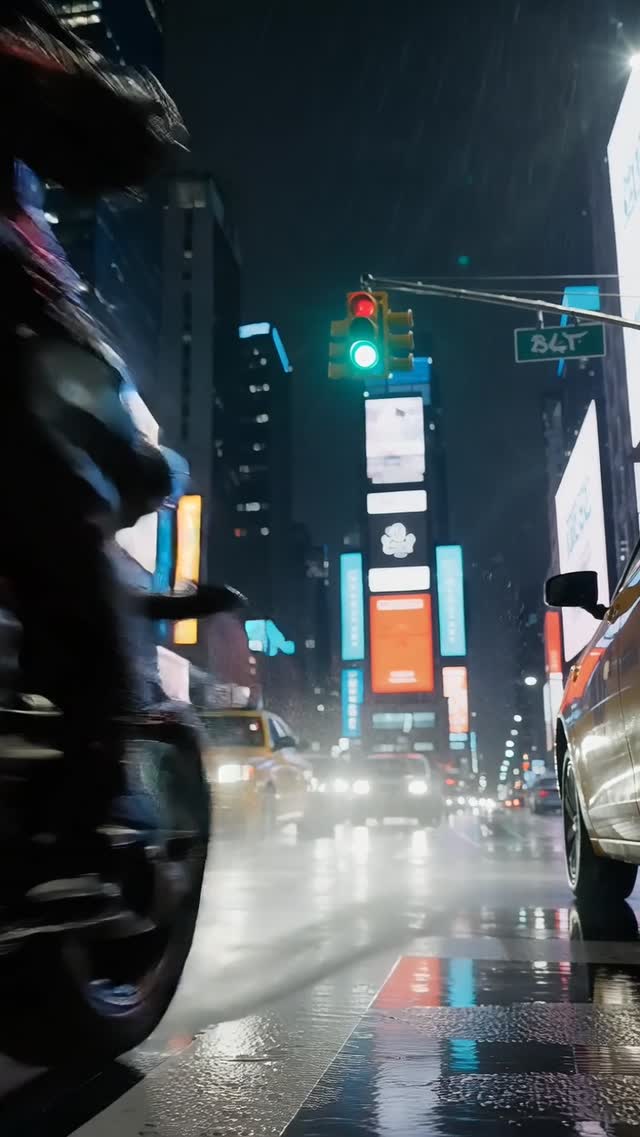
AI Image to Video Generator
Turn any image into an AI-generated video. Upload a photo, write a motion prompt, choose a video model, and create cinematic clips with ImageVids AI.
ImageVids AI Features
Create AI Videos from Images
Start with a visual reference, guide the motion with a prompt, and turn still images into polished AI videos for real creative and commercial use cases.
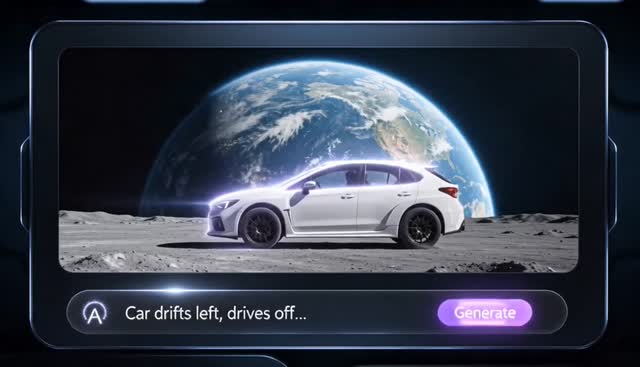
Cinematic Still Motion
Turn Any Still Image into a Moving AI Video
Upload a product shot, portrait, anime artwork, landscape, or concept image, then guide the motion with a prompt. ImageVids AI keeps the original visual direction while adding camera movement, subject motion, and atmosphere.
Upload a reference image
Add prompt-based motion
Choose the best AI video model
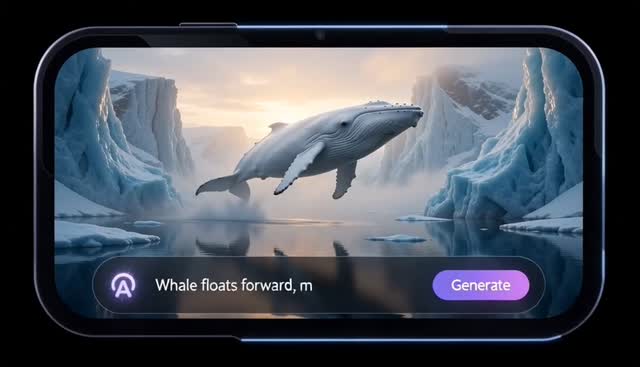
Photo and Product Animation
Animate Photos, Products, Art, and Scenes
Bring different image types to life with motion prompts tuned for the source visual. Use ImageVids AI for product ads, portraits, anime art, real estate shots, cinematic stills, and social media clips without switching into a text-only workflow.
Keep the source image as the visual anchor
Describe camera and subject movement
Refine motion across multiple drafts
Free Trial Credits
Start with Free Trial Credits
AI image-to-video generation often takes a few tries. ImageVids AI gives new users free trial credits so you can test prompts, compare models, and find the motion style that works before upgrading.
Free trial credits
Test image-to-video prompts before choosing a paid plan.
Multiple AI video models
Compare fast drafts, cinematic motion, and polished output.
Prompt-based motion control
Guide camera movement, subject action, lighting, and mood.
HD exports available
Create sharper videos when your final result needs more detail.
Watermark-free exports
Unlock cleaner exports on eligible paid plans.
Commercial use
Use generated videos commercially on eligible paid plans.
Examples
AI Image to Video Examples
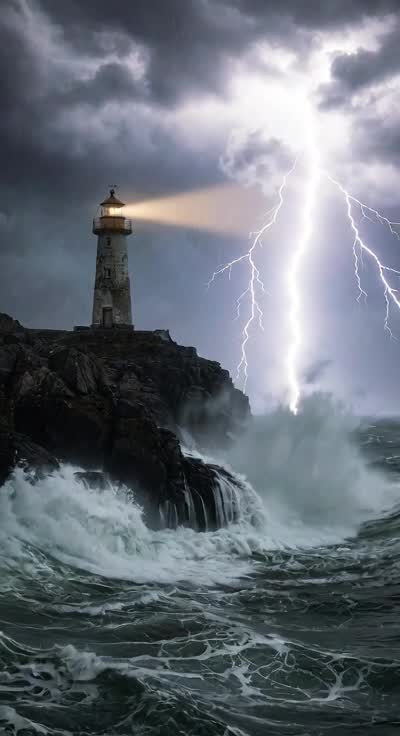
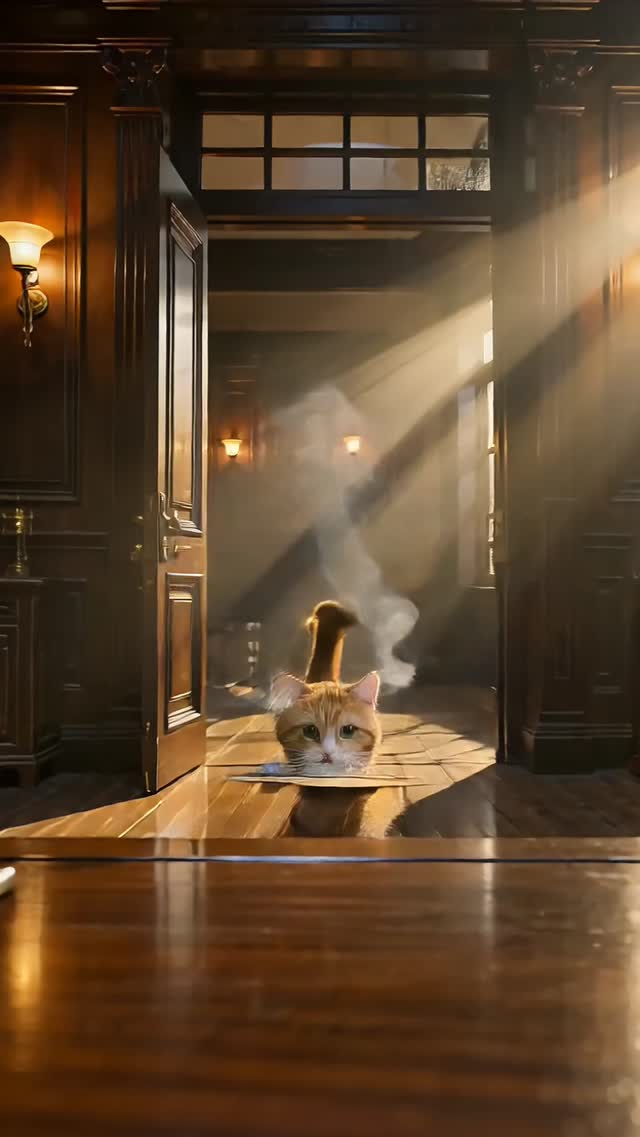
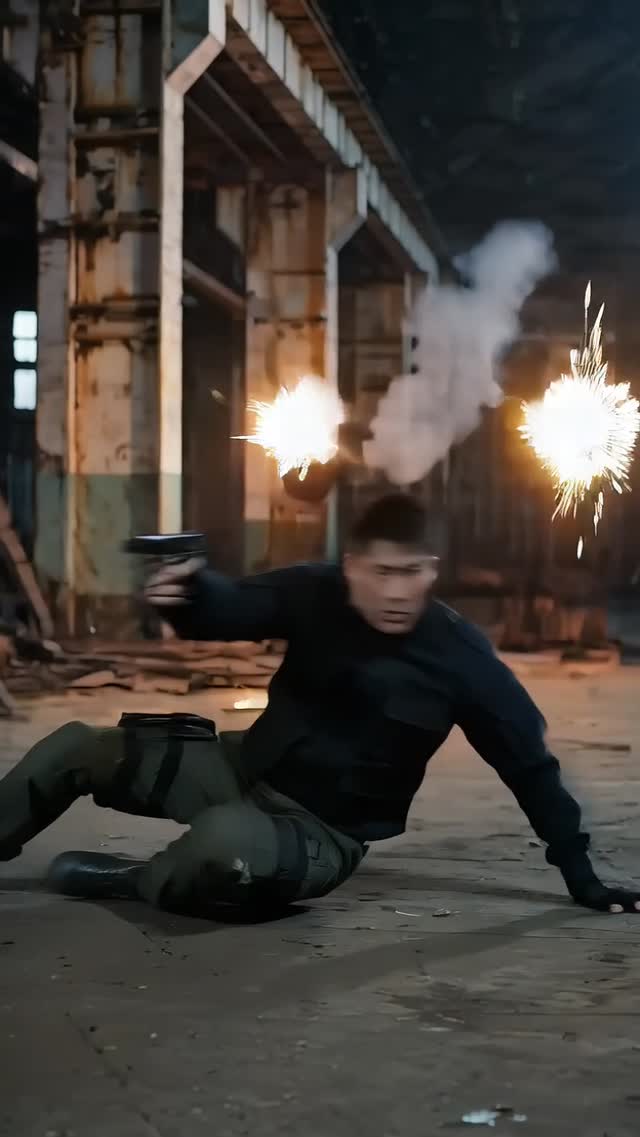
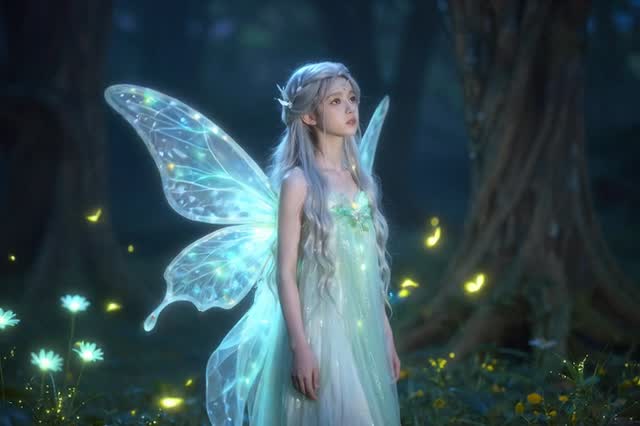
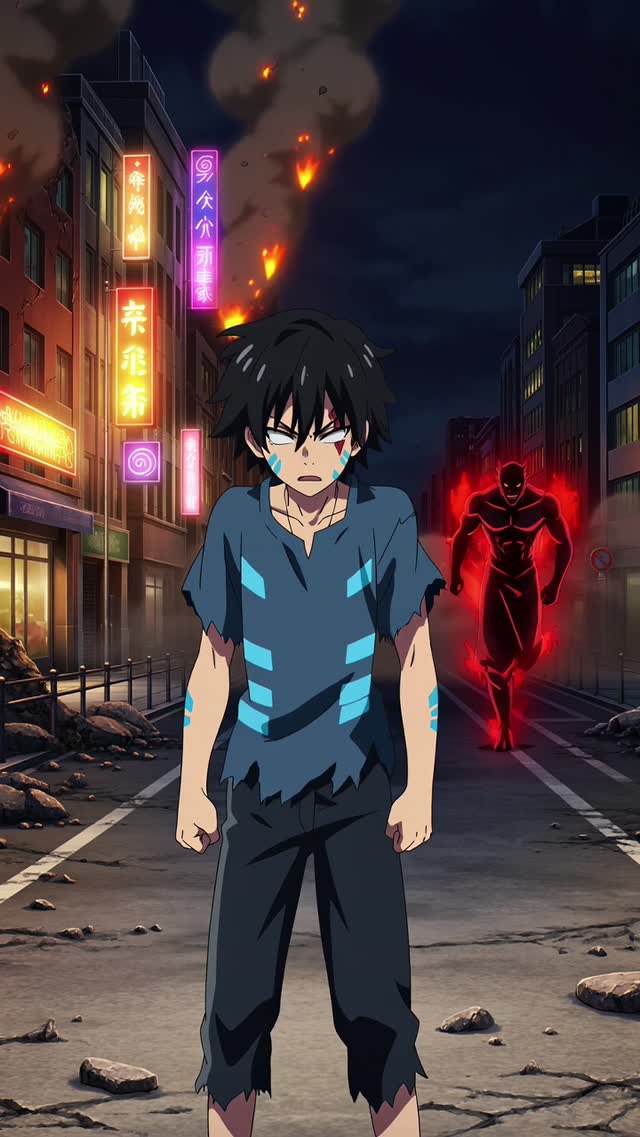
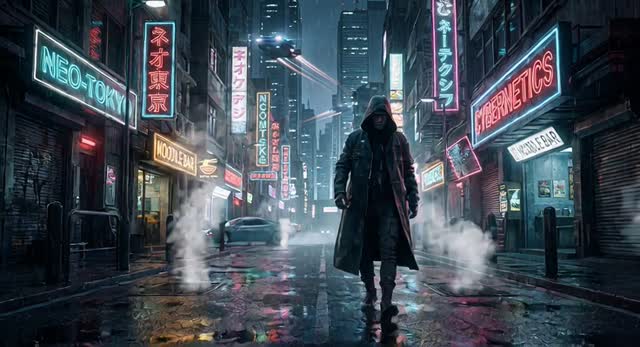
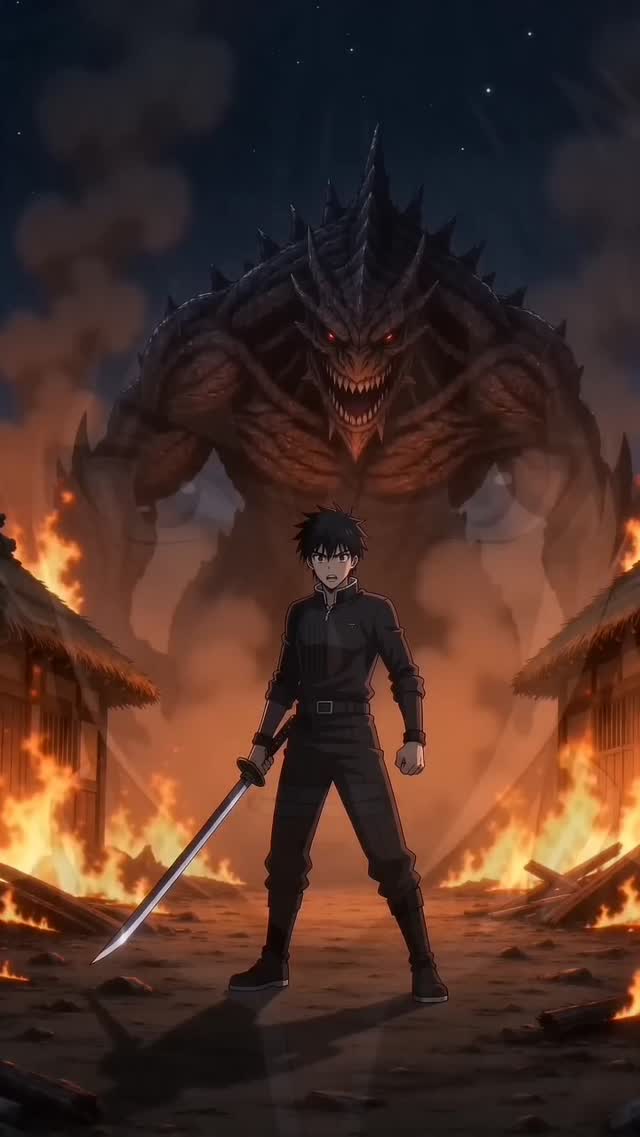
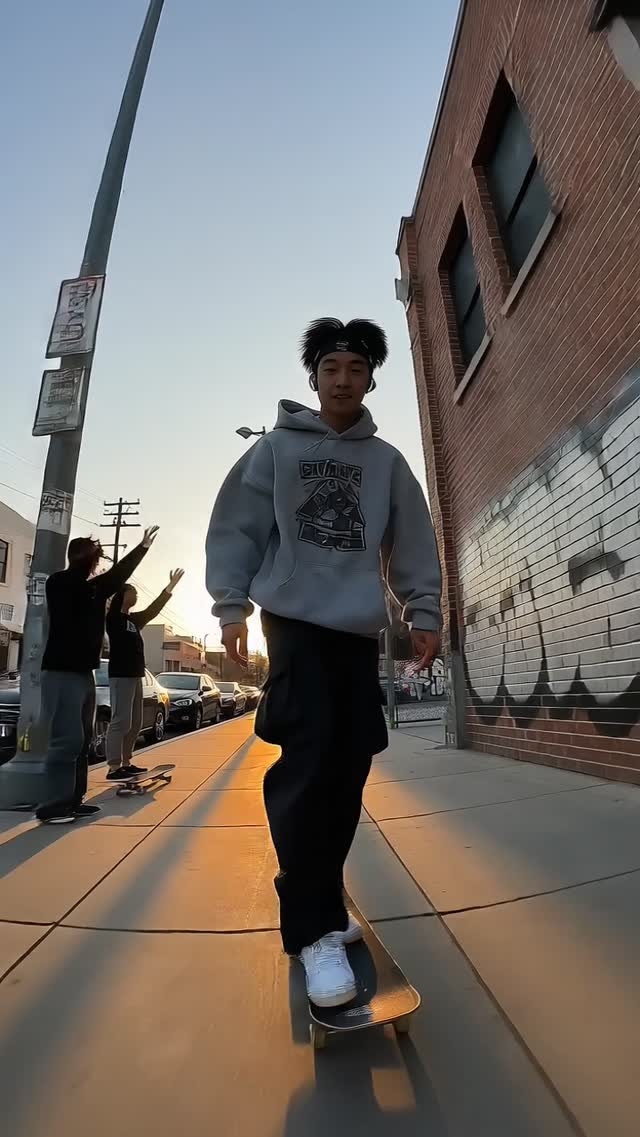
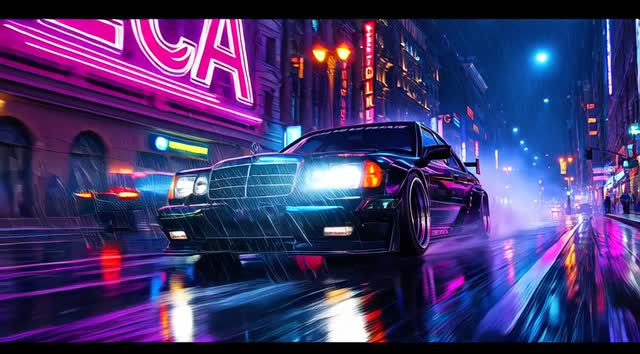
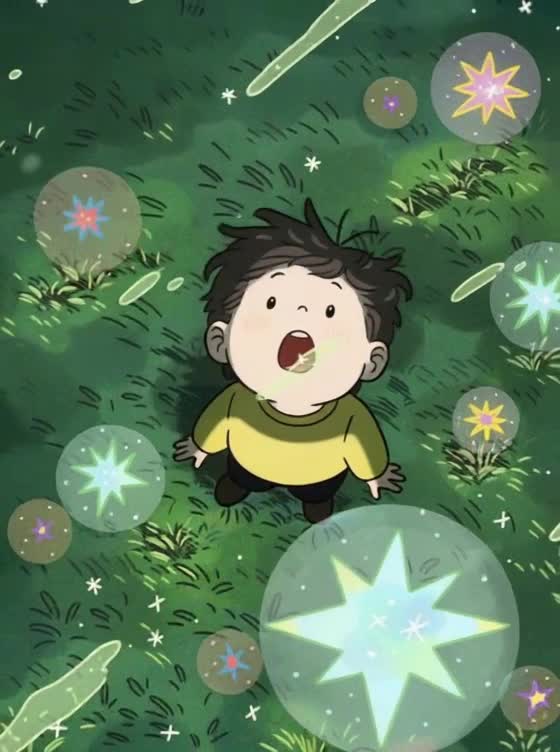
See how ImageVids AI turns still images into moving videos. Each example starts with an image, a motion prompt, and a generated AI video result.
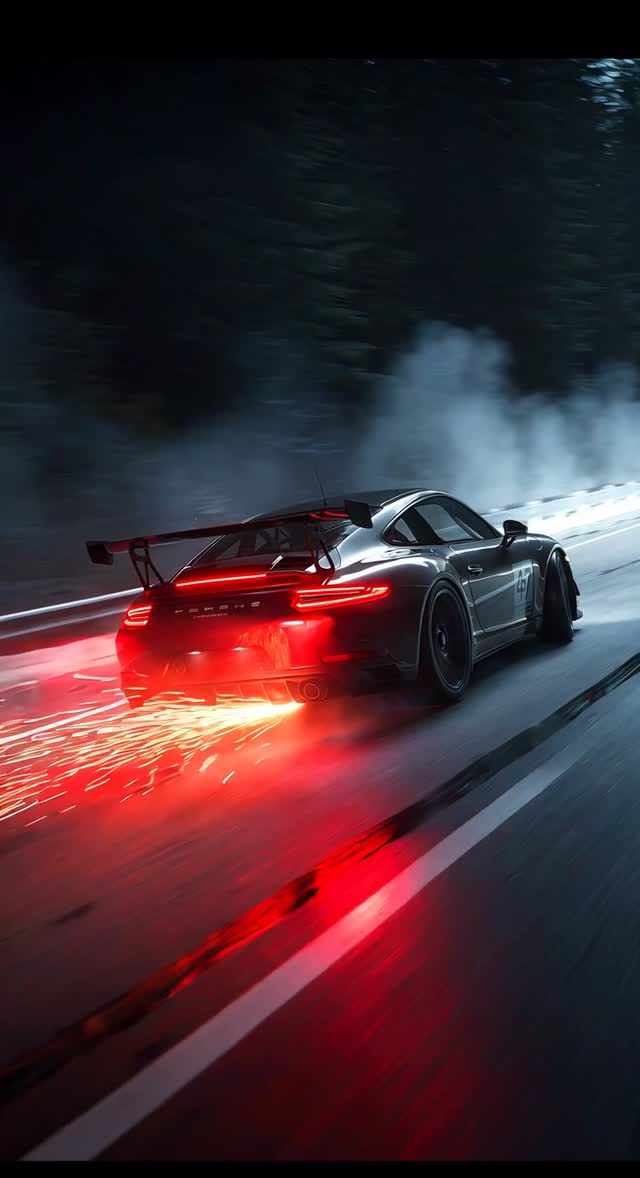
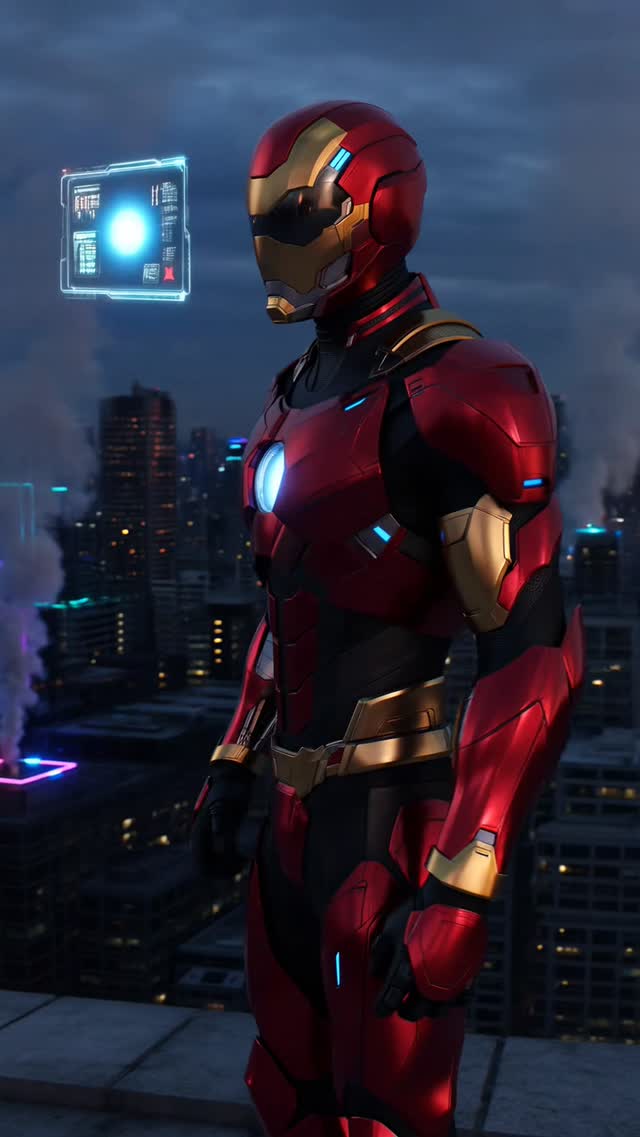
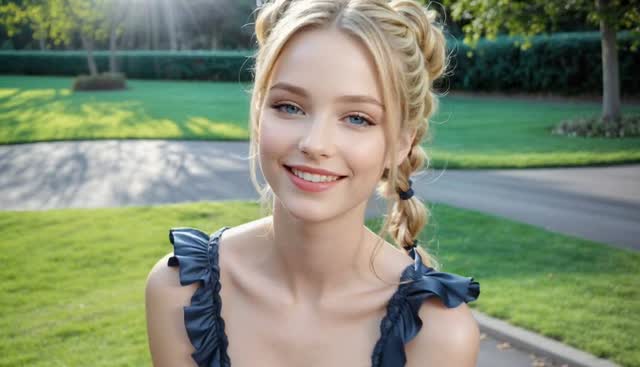
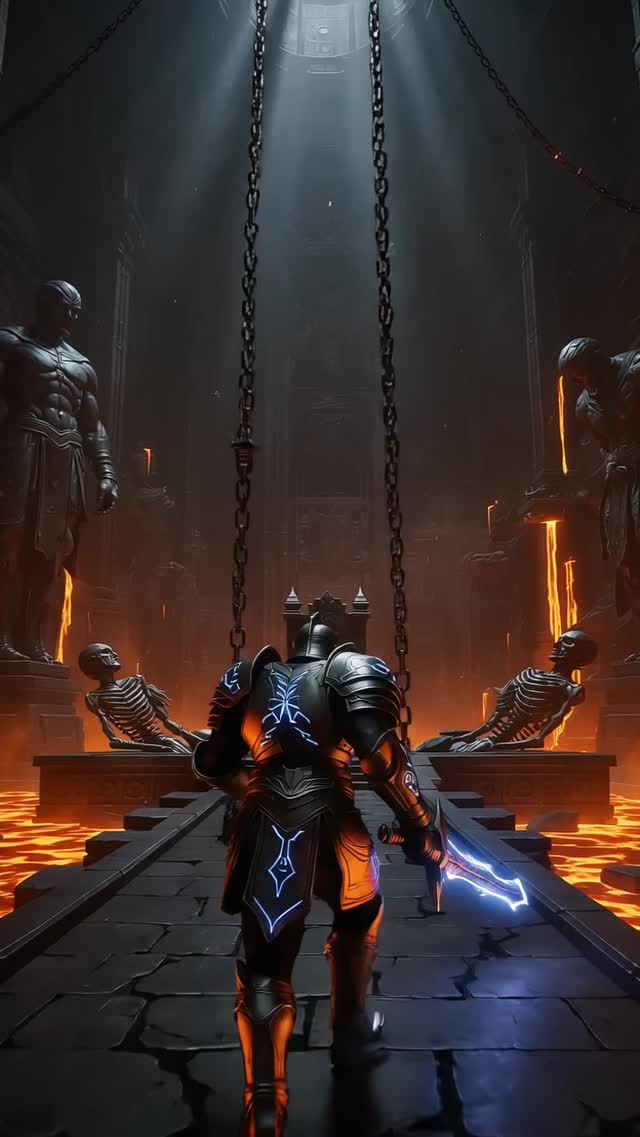
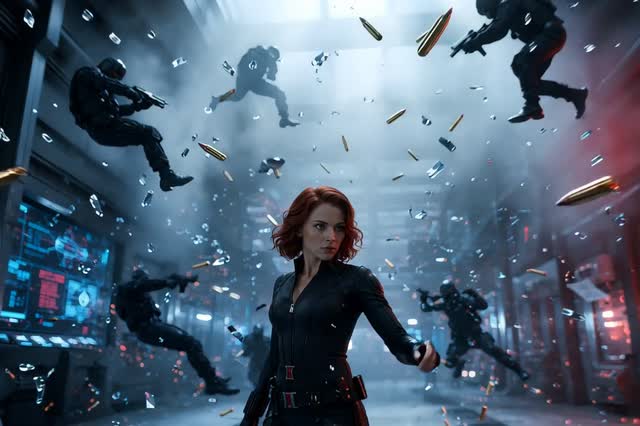
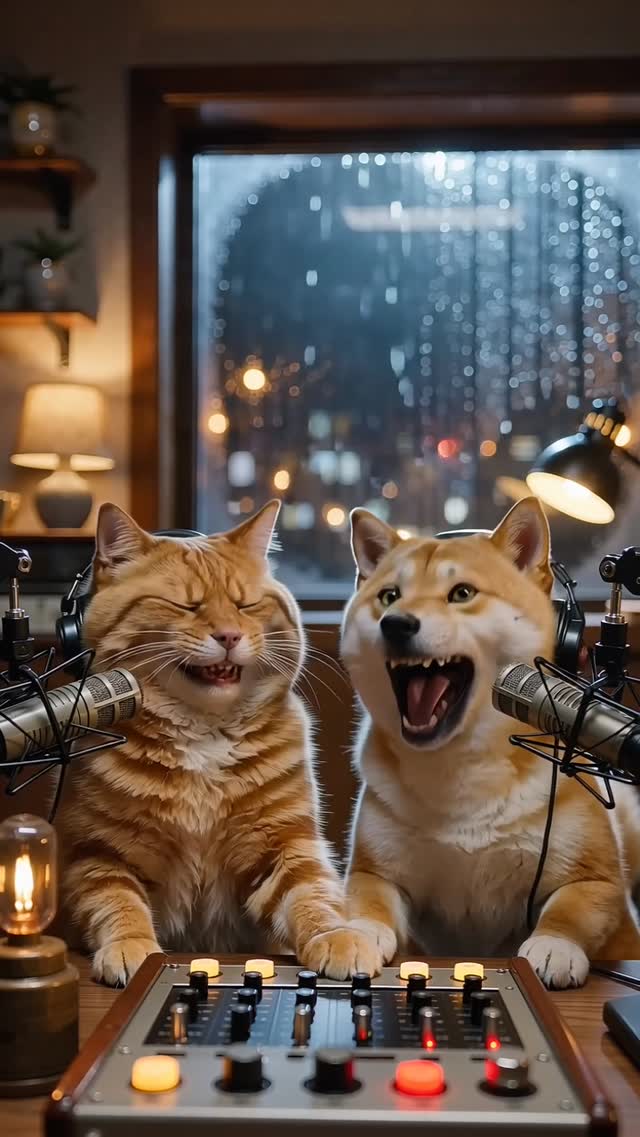
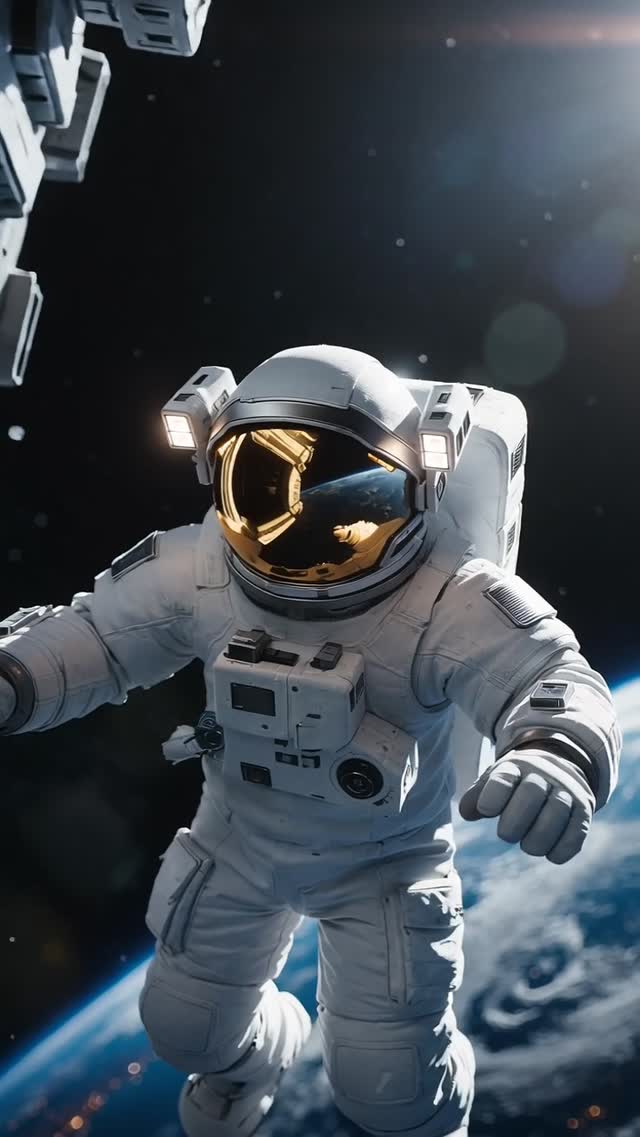
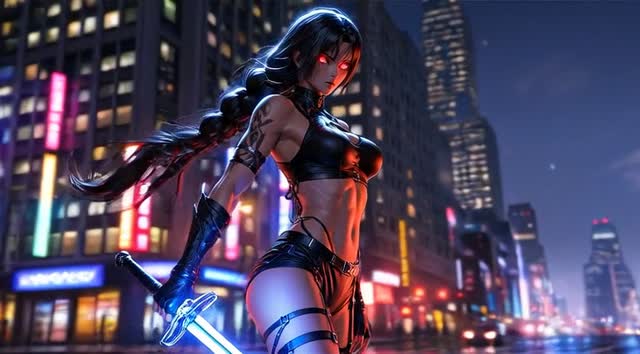
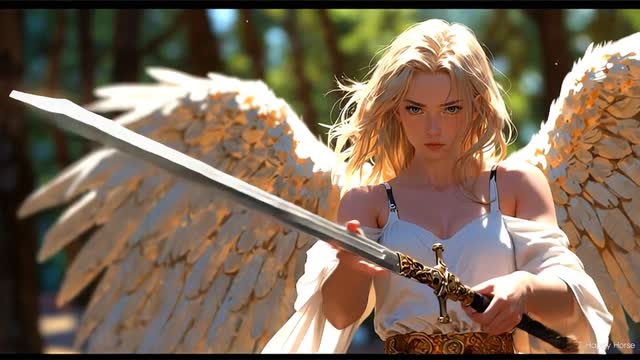
How to Turn an Image into a Video with AI
Create an AI video from an image in a simple workflow: upload your image, describe the motion, choose a model, and generate.
1
Upload an Image
Choose a clear photo, product shot, portrait, artwork, or landscape. Images with a strong subject work best.
2
Describe Motion and Choose a Model
Describe the camera movement, subject action, lighting, or atmosphere, then pick the model that fits the shot.
3
Generate and Refine
Generate the first result, review the motion, then adjust the prompt or settings until it feels right.
Models
Choose the Right AI Video Model
Different images need different motion styles. ImageVids AI supports multiple AI video models, so you can test fast drafts, cinematic shots, realistic motion, and higher-quality output from one workspace.
 Seedance 1.5 Pro
  Grok Imagine
  Happy Horse 1.0 Seedance 2.0 Fast Seedance 2.0
  ImageVids 1.0 Wan 2.2 Wan 2.5 Wan 2.6 Wan 2.7
  Kling 3.0 Kling 2.6 Kling 2.5 Turbo
  Veo 3.1 Fast Veo 3.1
 What Can You Create with ImageVids AI?
Use ImageVids AI to create AI videos from images for social media, product ads, portraits, anime art, storytelling, and marketing content.

Product Ads
Turn product photos into short AI video ads with camera motion, studio lighting, background movement, and polished commercial style.
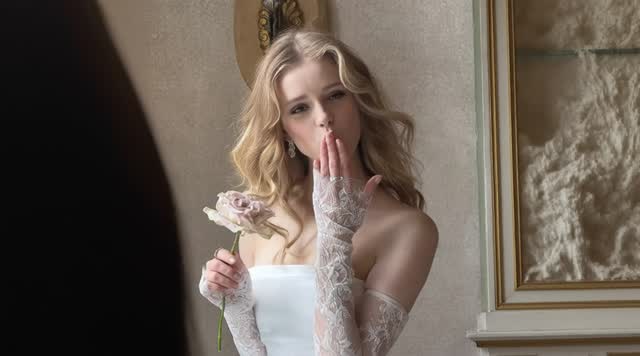
Portrait Videos
Animate portraits with subtle head movement, natural expressions, soft lighting, close-up camera motion, and realistic atmosphere.
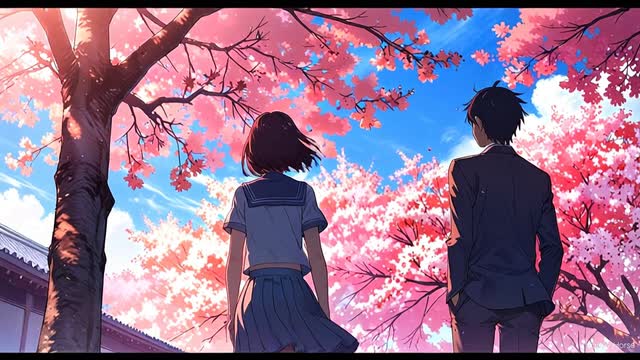
Anime Videos
Bring anime characters and illustrations to life with blinking, hair movement, glowing backgrounds, camera pans, and stylized motion.
AI Anime Video Generator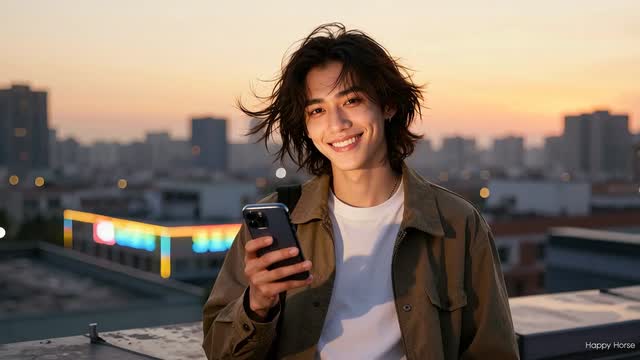
TikTok, Reels, and Shorts
Create vertical AI videos from photos for TikTok, Instagram Reels, YouTube Shorts, and social media posts.
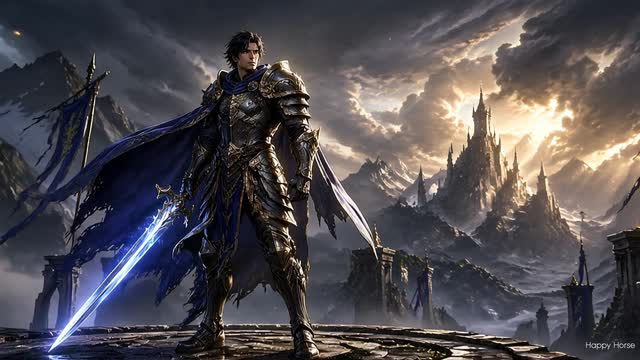
Storytelling
Transform character art, concept images, storyboards, and scene references into short cinematic shots for creative projects.
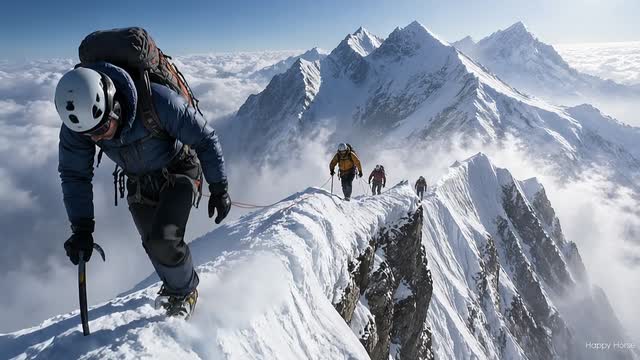
Real Estate and Travel
Add cinematic movement to property photos, interiors, landscapes, and travel images to create more engaging visual clips.
Features
Key Features of ImageVids AI
ImageVids AI is built for fast, flexible, and practical AI image-to-video generation.
AI Image to Video Generation
Upload a still image and turn it into a moving AI video with prompt-based motion control.
Free Trial Credits
Start testing image-to-video generation with included free trial credits. Try different prompts and models before upgrading.
Multiple AI Video Models
Choose from different models for faster drafts, cinematic motion, realistic movement, or higher-quality output.
Motion Prompt Control
Guide camera movement, subject action, lighting changes, background motion, and overall style with a simple prompt.
Flexible Aspect Ratios
Generate square, vertical, widescreen, and portrait videos for social posts, product ads, stories, and creative projects.
HD and Watermark-Free Exports
Upgrade when you need higher-resolution exports, no watermark, commercial use, or faster generation.
Image to Video Prompt Examples
A strong image-to-video prompt describes motion, not just the scene. Use camera direction, subject movement, lighting, and atmosphere to guide the result.
Cinematic Camera Push
The camera slowly pushes in toward the subject. Soft light moves across the image, the background shifts slightly, and the scene feels cinematic, calm, and realistic.
Product Video Prompt
A premium product video. The camera rotates gently around the product while studio lighting reflects across the surface. Clean background, subtle particles, elegant commercial style.
Portrait Animation Prompt
The person gently turns their head toward the camera, blinks naturally, and gives a subtle smile. Soft hair movement, warm natural light, slow close-up camera motion.
Anime Motion Prompt
The anime character hair moves in the wind, glowing particles drift through the background, and the camera pans slowly from left to right with cinematic lighting.
Why ImageVids AI
Why Choose ImageVids AI?
ImageVids AI turns images into AI-generated videos with free trial credits, multiple video models, and prompt-based motion control.
Focused on Image to Video
ImageVids AI is built around turning images into AI videos, instead of hiding image-to-video inside a generic video editor.
Test Before You Upgrade
Use free trial credits to test your image, prompt, and model before spending more on final exports.
More Model Choice
Different AI video models produce different motion styles. ImageVids AI lets you choose the model that fits your creative goal.
Built for Real Use Cases
Create videos for product ads, social media, portraits, anime, storytelling, real estate, and marketing content.
Simple Creative Workflow
Upload an image, describe the motion, choose settings, and generate. No video editing skills required.
Designed for Iteration
Quickly test different prompts, model settings, and motion ideas so you can refine each video before final export.
Pricing
Simple Pricing. Scale When You Need More.
Choose the credits, queue capacity, and commercial permissions that match your image to video workflow. All generated images and videos are private by default.
Starter
Perfect for individuals who want to start exploring AI image to video generation.
$19.00 /mo
1000 credits/month
- Buy extra credit packs whenever your active subscription needs a boost
- Private image and video generations by default
- Access to one-time credit packs
Creator
A solid plan for creators and freelancers delivering polished work for clients.
$39.00 /mo
3000 credits/month
- Buy extra credit packs whenever your active subscription needs a boost
- Private image and video generations by default
- 5% bonus on every credit pack purchase
Pro
Built for fast-growing creators and teams with heavier production needs.
$79.00 /mo
7000 credits/month
- Buy extra credit packs whenever your active subscription needs a boost
- Private image and video generations by default
- 10% bonus on every credit pack purchase
Studio
Maximum capacity for large-scale workflows and demanding production volumes.
$149.00 /mo
15000 credits/month
- Buy extra credit packs whenever your active subscription needs a boost
- Private image and video generations by default
- 15% bonus on every credit pack purchase
FAQs About AI Image to Video Generator
What is a no-restrictions AI image to video generator?
A no-restrictions AI image to video generator reduces common barriers such as forced sign-up, credit-card requirements, narrow model access, and hard generation caps in the basic workflow. It does not mean every service is anonymous, unlimited, or unmoderated. ImageVids AI lets you explore the generator before login, then requires sign-in and credits to create; model, queue, technical, export, and content-policy limits still apply.
Does ‘no restrictions’ mean lower image to video quality?
No. Fewer access barriers do not reduce video quality by themselves. Image to video quality depends on the source image, selected model, motion prompt, duration, resolution, and settings. ImageVids AI lets you compare available models and shows the credit cost before generation; higher-quality options may use more credits.
What is an AI image to video generator?
An AI image to video generator turns a still image into a moving video. You upload an image, describe the motion you want, choose settings such as model, aspect ratio, duration, and resolution, then generate an AI video.
Can I use ImageVids AI for free?
Yes. ImageVids AI gives new users free trial credits for AI image-to-video generation. You can test prompts, models, and video styles before upgrading.
Do I need an account to generate AI videos?
A free account may be required to receive trial credits, save generations, and manage your videos. This also helps track credit usage and protect your work.
Which images work best for AI image to video?
Clear images with a visible subject usually work best. Portraits, product photos, anime art, landscapes, and scene references can all work well when paired with a clear motion prompt.
What should I write in the motion prompt?
Describe what should move. For example: camera push-in, subject turns toward the camera, hair moves in the wind, clouds drift, lights change, or the product rotates slowly.
Does ImageVids AI support multiple AI video models?
Yes. ImageVids AI supports multiple AI video models so you can choose different styles for fast drafts, cinematic motion, realistic movement, or higher-quality output.
Can I create product videos from images?
Yes. Upload a product image and describe the camera motion, lighting, and background style. ImageVids AI can help create short product videos for ads, ecommerce, and social media.
Can I create anime videos from images?
Yes. You can upload anime artwork or character images and use prompts to add motion, camera movement, atmosphere, and stylized effects.
Can I export videos without a watermark?
Free trial generations may include limits or watermarks depending on your plan. Paid plans can unlock watermark-free exports, HD output, and commercial use.
Can I use generated videos commercially?
Commercial use is available on eligible paid plans. Check the pricing page and terms before using generated videos for client work, advertising, or commercial publishing.
Is ImageVids AI only for image to video?
ImageVids AI focuses on AI image to video generation, but it can also support related AI video workflows such as text to video, prompt-based video generation, and image preparation tools when available.
Can I generate NSFW or adult content?
No. ImageVids AI does not support NSFW, adult, sexually explicit, or deepfake-style misuse. Generations must follow our content policy and safety rules.